21 Best Canva Polaroid Template Designs for Photos and Keepsakes
A Canva Polaroid Template gives ordinary photos the recognizable instant-photo look without requiring you to build every frame from scratch. The options in this roundup cover classic white-border layouts, square photo designs, floral styles, printable formats, photo magnets, and editable frames for different creative projects.
The 21 templates below were selected from the supplied product collection for their relevance to Polaroid-style photo design. Depending on the template, they can suit social media graphics, albums, digital scrapbooking, weddings, guest books, keepsakes, party favors, gifts, magnets, and printed photo projects.
Why These Canva Polaroid Templates Are Worth Considering
The strongest options in this collection approach the Polaroid look in different ways. Some concentrate on an editable classic photo frame, while others add square formats, floral styling, magnet layouts, or multiple frame orientations. Several also include formats intended for printing or use with other design and cutting software.
That variety matters when choosing a polaroid frame template Canva design. A frame for social posts does not necessarily need the same layout as a printable magnet, wedding keepsake, scrapbook element, or guest-book photo. The roundup therefore prioritizes relevance and practical use rather than treating every Polaroid-style template as interchangeable.
Best Canva Polaroid Template Designs
1. Canva Polaroid Frame Template — Best for Multiple Frame Orientations
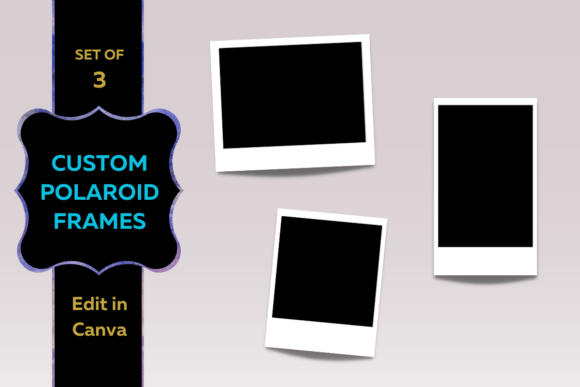
A Polaroid-inspired frame set made for drag-and-drop photo placement in Canva. It includes landscape, portrait, and square frame sizes, giving you several orientations for adapting the instant-photo look to different pictures.
- Landscape, portrait, and square frame sizes.
- Designed for adding photos directly into the frames.
- Frame borders can be customized in Canva.
- Useful when one project contains photos in different orientations.
Keep in mind: This option focuses specifically on Polaroid-inspired framing rather than a larger collection of scrapbook or event-planning elements.
2. Polaroid Square Photo Canva Template — Best for Square Photos and Keepsakes
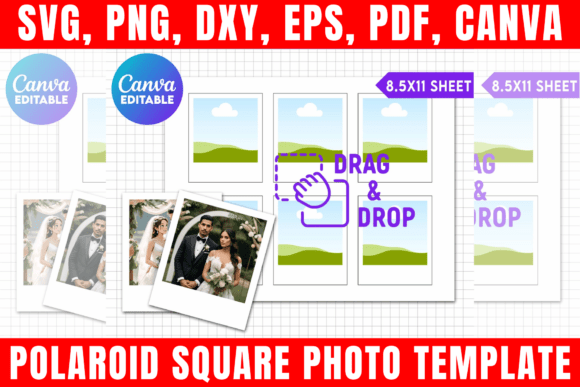
An editable Polaroid-style square photo template suited to weddings, events, guest books, keepsakes, magnets, and personalized gifts. The package includes a Canva link plus SVG, PNG, DXF, and PDF files.
- Editable photo, text, and design elements.
- Includes SVG, transparent PNG, DXF, and PDF formats.
- Canva, Cricut, Silhouette Studio, and Adobe Photoshop are listed as compatible.
- Suitable for events, keepsakes, guest books, magnets, and gifts.
Keep in mind: The listing recommends basic knowledge of the software you choose to use.
3. Polaroid Template, Editable in Canva — Best for Events and Personalized Gifts
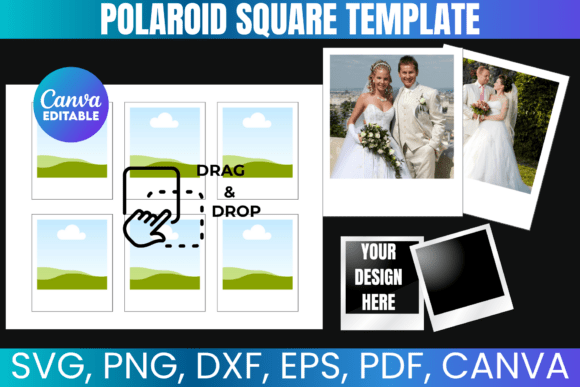
This customizable Polaroid template is designed for adding your own photos, text, and designs. Its listed uses include weddings, events, keepsakes, guestbooks, magnets, and personalized gifts, with several file formats supplied alongside the Canva link.
- Editable in Canva.
- SVG, PNG, DXF, and PDF files are included.
- Supports a range of event and keepsake projects.
- The listing also references popular cutting and design software.
Keep in mind: Digital files may not be shared, sold, or redistributed according to the supplied description.
4. Polaroid Square Photo Template — Best for DIY Photo Projects
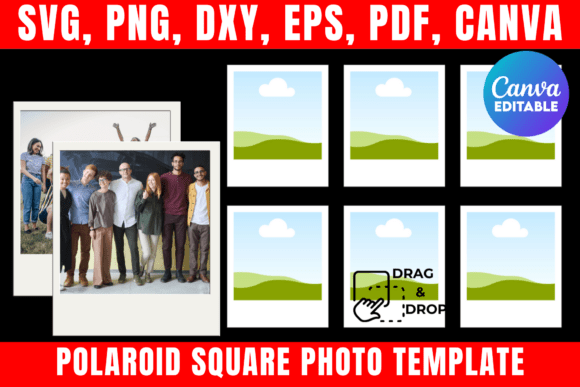
A customizable square Polaroid template for memory albums, guest books, wedding save-the-dates, magnets, and DIY projects. Along with Canva editing, the package provides SVG, PNG, DXF, and PDF versions.
- Square Polaroid-style photo format.
- Canva link for drag-and-drop editing.
- Multiple downloadable file formats are included.
- Listed uses include albums, guest books, save-the-dates, and DIY projects.
Keep in mind: The supplied terms describe the files as personal-use digital files while allowing physical products made with the templates to be sold.
5. Polaroid Template, Polaroid Square Photo — Best for Albums and Save-the-Dates
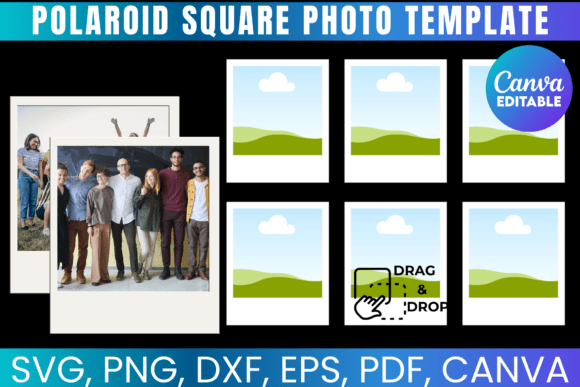
Built around a customizable square Polaroid layout, this template can be used for memory albums, guest books, wedding save-the-dates, magnets, and other DIY photo projects. Canva access is accompanied by SVG, PNG, DXF, and PDF files.
- Editable Polaroid square-photo design.
- Includes a Canva template link.
- Several file formats are supplied for other workflows.
- Especially relevant to memory and event projects.
Keep in mind: This product has a very similar functional scope to the other square Polaroid templates, so visual preference may be an important deciding factor.
6. Photo Magnet Editable Canva Template — Best for Printable Photo Magnets
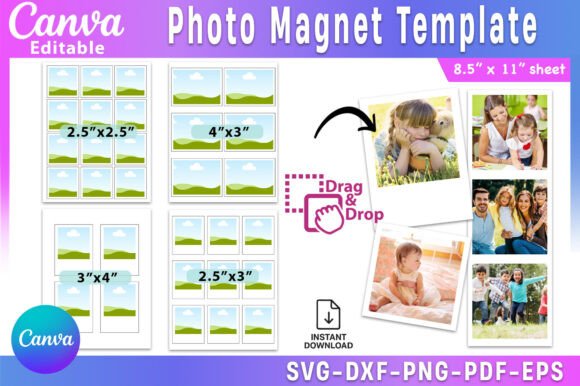
A photo-magnet template with Polaroid-style applications, formatted for 8.5 × 11-inch sheets. It lists four photo dimensions and includes Canva access together with SVG, DXF, EPS, PDF, and transparent PNG files.
- Designed for DIY square and photo magnets.
- Formatted for 8.5 × 11-inch paper.
- Lists 2.5 × 2.5, 4 × 3, 3 × 4, and 2.5 × 3-inch photo sizes.
- Text, colors, fonts, and graphics can be customized in Canva.
Keep in mind: This is a more specialized choice for photo magnets and printable layouts rather than a general-purpose social-media frame.
7. Canva Template Polaroid — Best for Social Media and Digital Scrapbooking
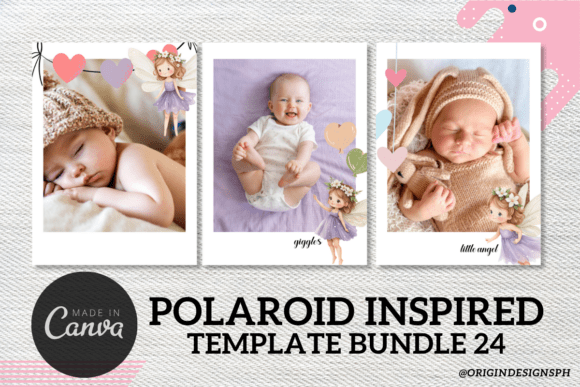
A customizable Polaroid-inspired design with the familiar white border and instant-photo shape. The template supports photo, font, color, and text changes and is described for social posts, prints, photo albums, digital scrapbooking, party favors, and gifts.
- Classic white-border Polaroid look.
- Drag-and-drop photo customization.
- Fonts, colors, and text can be personalized.
- Designed for both digital and printed creative uses.
Keep in mind: Its broad creative focus makes it suitable for general photo projects rather than a specialized format such as photo magnets.
8. Canva Template Polaroid — Best for Classic White-Border Photo Styling
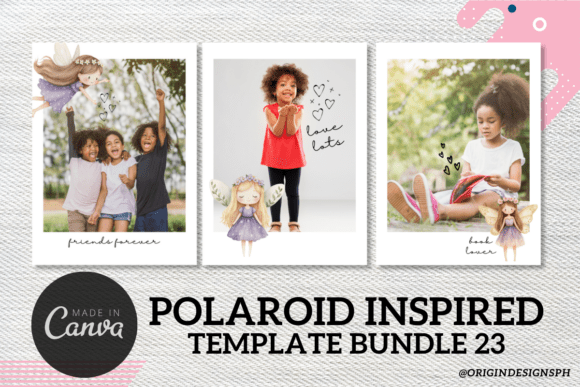
This Polaroid-inspired Canva design emphasizes the classic white border and recognizable instant-photo shape. Photos can be dropped into the template, while fonts, colors, and text can be adjusted for personalized digital or printed projects.
- Traditional Polaroid-inspired appearance.
- Editable photos, fonts, colors, and text.
- Suitable for social media and print projects.
- The listing also suggests albums, scrapbooking, favors, and gifts.
Keep in mind: Several products in this collection share similar descriptions, so compare their preview images when choosing among the classic designs.
9. Canva Template Polaroid — Best for Custom Photo Keepsakes
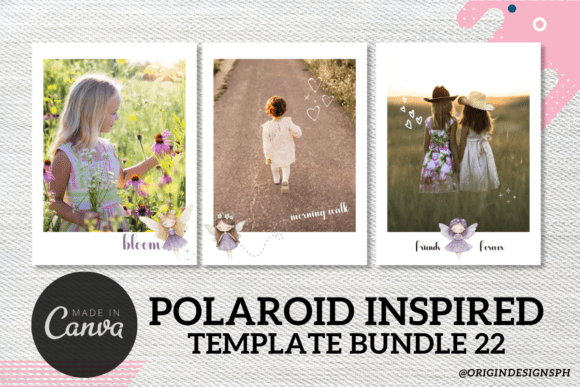
A nostalgic instant-photo layout with customizable photos, text, fonts, and colors. Its supplied description highlights social media, photo albums, digital scrapbooking, party favors, gifts, and printed keepsakes as potential uses.
- Editable in Canva.
- Uses a classic Polaroid-inspired white border.
- Works across several memory-focused project types.
- Can be personalized with text and visual changes.
Keep in mind: Choose among the similar classic templates primarily according to the preview layout and the visual style you want for your photos.
10. Canva Template Polaroid 17 — Best for Floral Polaroid Styling
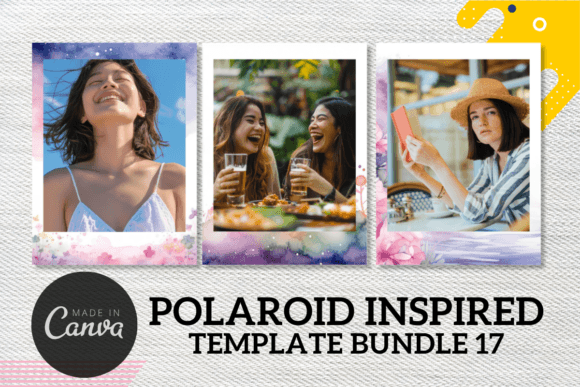
A floral-theme Polaroid-inspired Canva set for presenting personal photos with a nostalgic decorative look. The package contains three Canva templates and a welcome packet with the template link.
- Floral Polaroid-inspired theme.
- Three Canva templates are included.
- Editable with Canva’s free plan according to the listing.
- The supplied description also states that editing can be done on a mobile phone.
Keep in mind: Its floral direction is more decorative than a plain classic Polaroid frame, so it is best considered when that visual theme fits the project.
11. Canva Template Polaroid 15 — Best for Decorative Floral Photos
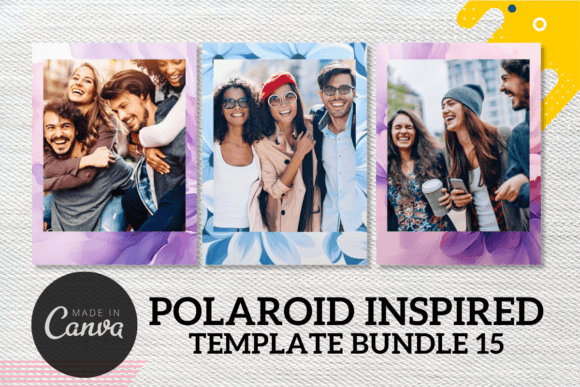
This floral Polaroid-inspired option provides three editable Canva templates for giving photos a decorative nostalgic presentation. A welcome packet containing access to the templates is also included.
- Floral visual theme.
- Three templates are listed.
- Editable without a Canva Pro account according to the description.
- Mobile editing is specifically mentioned.
Keep in mind: The functional description closely matches other floral options in this collection, making the specific artwork an important selection factor.
12. Canva Template Polaroid 14 — Best for Floral Memory Designs
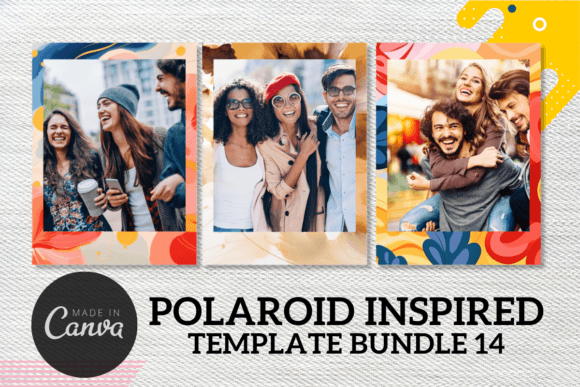
A three-template floral set that combines Polaroid-inspired photo presentation with editable Canva layouts. It is designed around a nostalgic memory aesthetic and includes a welcome packet linking to the templates.
- Three Canva templates.
- Decorative floral styling.
- Can be edited with Canva’s free plan according to the listing.
- Mobile-phone editing is also stated.
Keep in mind: This is another closely related floral variant, so its main distinction in the supplied data is its individual design rather than a different feature set.
13. Canva Template Polaroid 13 — Best for a Floral Instant-Photo Look
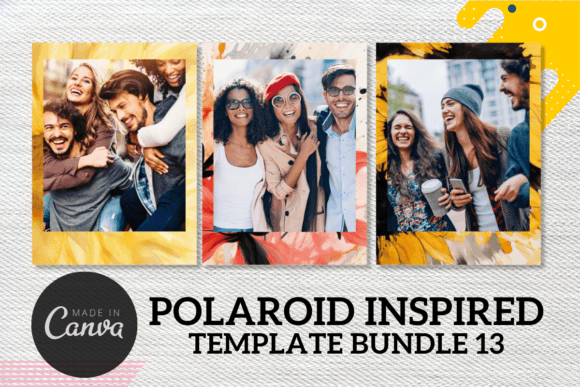
A floral-theme Polaroid template collection with three Canva designs. It offers an editable way to combine personal photos with a nostalgic instant-camera-inspired presentation without requiring a Canva Pro account.
- Three editable templates.
- Floral instant-photo styling.
- The listing says Canva’s free plan can be used.
- Editing on mobile is supported according to the description.
Keep in mind: Compare its floral artwork with Templates 14, 15, and 17 because their supplied feature descriptions are substantially similar.
14. Canva Polaroid Template — Best for a Simple Three-Template Set
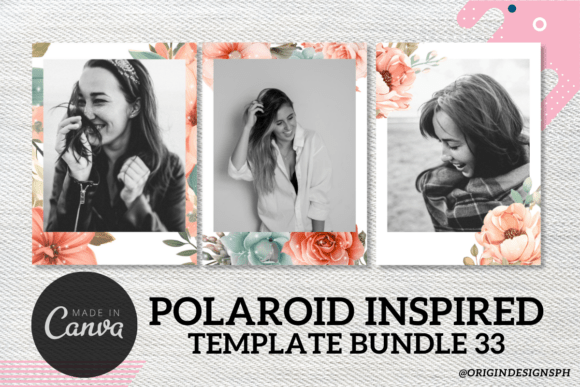
A straightforward Polaroid-inspired collection created around nostalgic photo presentation. The package contains three Canva templates plus a welcome packet that provides the template link.
- Three Canva templates are included.
- Designed around a nostalgic Polaroid-inspired look.
- Includes a welcome packet with template access.
Keep in mind: The source provides limited detail beyond the three-template set, so choose this option primarily according to the displayed design.
15. Polaroid Canva Template — Best for Nostalgic Photo Layouts
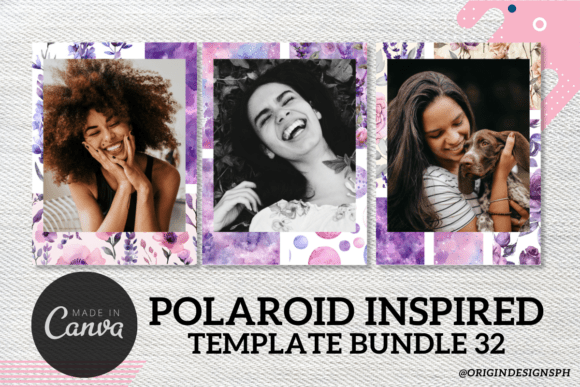
This Canva set uses a Polaroid-inspired approach to give modern photos a nostalgic presentation. Three templates are included, along with a welcome packet containing the link needed to access them.
- Three Polaroid-inspired Canva templates.
- Focused on nostalgic photo presentation.
- Welcome packet with template link included.
Keep in mind: The supplied description does not identify specialized formats or project types, so the preview design should guide the choice.
16. Canva Template Polaroid 12 — Best for Personal and Printed Projects
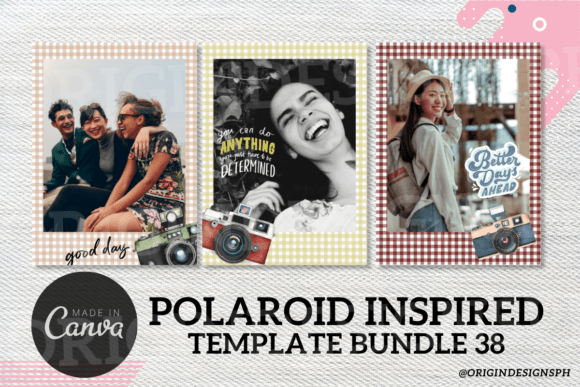
A three-template Polaroid-inspired Canva set intended for personal projects and printed products. It includes a welcome packet with the template link and uses a nostalgic instant-photo visual direction.
- Three Canva templates.
- Personal use and print-business applications are listed.
- Includes template access through a welcome packet.
- The description permits selling printed hard copies only.
Keep in mind: The supplied terms state that the digital product itself cannot be resold or distributed as a freebie.
17. Canva Template Polaroid 11 — Best for Printed Polaroid-Style Products
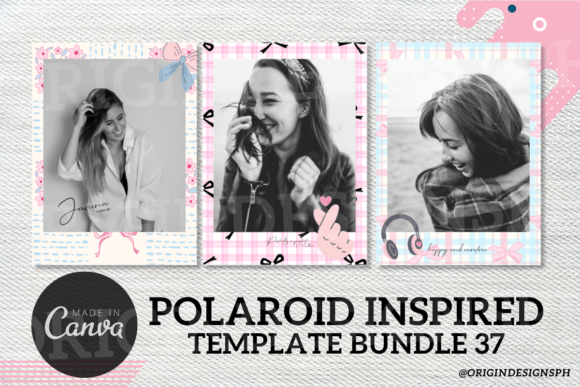
A nostalgic Canva Polaroid set containing three templates and a welcome packet. Its supplied description identifies both personal use and printed-product applications while restricting redistribution of the digital template itself.
- Three templates are supplied.
- Designed for personal and printed uses.
- Polaroid-inspired nostalgic styling.
- Printed hard copies may be sold under the terms stated in the description.
Keep in mind: Digital resale and free distribution are prohibited in the supplied product description.
18. Canva Template Polaroid 6 — Best for a Minimal Three-Template Collection
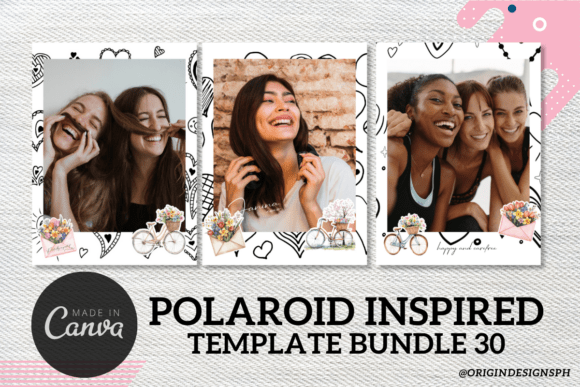
A simple Polaroid-inspired Canva collection for presenting photos with a nostalgic instant-camera feel. The package consists of three templates and a welcome packet containing access to the designs.
- Three Canva templates.
- Instant-photo-inspired visual approach.
- Welcome packet provides the template link.
Keep in mind: Because the description is concise, it does not document the broader customization or file-format options available with some higher-ranked products.
19. Canva Template Polaroid 7 — Best for Straightforward Nostalgic Photo Design
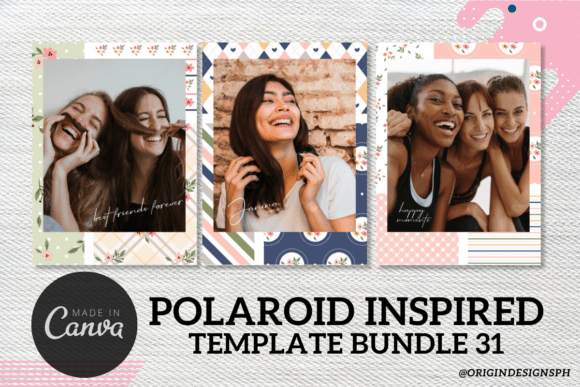
This three-template Canva collection uses a Polaroid-inspired aesthetic to recreate the feel of traditional instant photographs. Access is provided through the included welcome packet.
- Three Canva designs.
- Nostalgic Polaroid-inspired styling.
- Template link included through the welcome packet.
Keep in mind: The source does not specify specialized project formats, making this primarily a visual choice among the general Polaroid templates.
20. Canva Template Polaroid 8 — Best for Editable Designs Intended for Printing
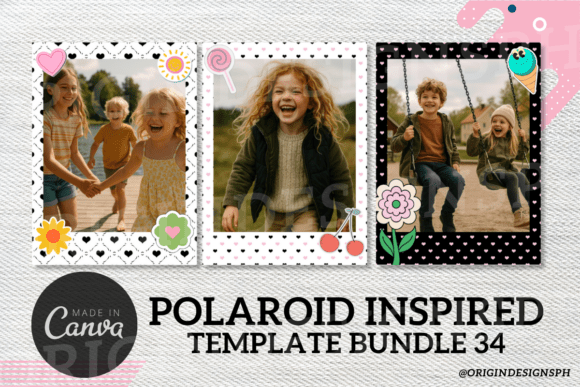
A set of three Canva Polaroid-inspired templates with a nostalgic photo aesthetic. The supplied terms state that the designs can be edited and used for printed copies, while the template itself is not intended for resale.
- Three Canva templates.
- Includes a welcome packet with the template link.
- Editing before producing printed copies is described.
- Polaroid-inspired presentation for personal photos.
Keep in mind: The description explicitly states that the template is not for resale.
21. Canva Template Polaroid 9 — Best for Another Print-Oriented Polaroid Layout
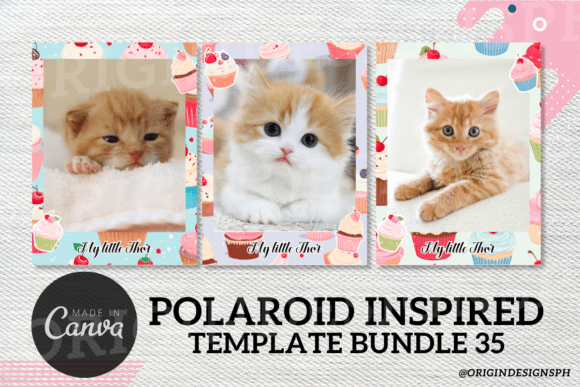
This three-design Canva set provides another Polaroid-inspired layout for nostalgic photo presentation. Its supplied terms allow the template to be edited for printed copies while stating that the template itself cannot be resold.
- Three Canva templates.
- Welcome packet with template access.
- Designed around a nostalgic instant-photo aesthetic.
- Printed-copy use is described in the supplied terms.
Keep in mind: Its source description closely matches Template 8, so compare the two preview designs to decide which layout better suits your project.
How to Choose a Canva Polaroid Template
Start with the project rather than the decorative details. A cute Polaroid template Canva design for a scrapbook may prioritize a themed frame, while a photo magnet, wedding guest book, social post, or printable keepsake may require a different layout.
Choose the Right Frame Orientation
Consider the proportions of the photos you plan to use. Square frames work naturally with square images, while portrait and landscape options give you more flexibility when your source photography varies. The Canva Polaroid Frame Template is notable here because its description explicitly lists all three orientations.
Match the Template to the Final Project
Think about where the finished design will appear. Some templates in the collection are described for social media and digital scrapbooking, while others specifically mention guest books, wedding save-the-dates, magnets, party favors, gifts, or printed products. Choosing by intended use can quickly narrow a collection of visually similar designs.
Check How Much Customization You Need
If you want to change more than the photograph, look for a listing that explicitly mentions editable text, fonts, colors, borders, graphics, or other design elements. Some of the general Polaroid templates provide this information directly, while several simpler three-template products have more limited descriptions.
Consider Printable and Multi-Format Projects
If you specifically need a Canva Polaroid template printable workflow, pay attention to products that document print dimensions or provide additional formats. The Photo Magnet template lists an 8.5 × 11-inch sheet format and several photo dimensions, while the square photo templates include formats such as SVG, PNG, DXF, and PDF.
Compare Classic and Decorative Styles
A classic white frame keeps attention on the photograph and can work across many projects. Floral versions add a more decorative identity. Neither approach is automatically preferable; the useful choice depends on whether you want a restrained instant-photo effect or a frame that contributes more visibly to the overall design.
How to Use a Polaroid Template in Canva
The exact editing options depend on the individual product, but a simple workflow can help keep Polaroid-style layouts visually consistent. Begin by choosing photos with enough room around the main subject, then adapt the supported template elements without overcrowding the frame.
- Choose photos for the intended layout. Square, portrait, and landscape images can behave differently inside an instant-photo frame.
- Place the image into the template. Several products in this roundup specifically describe drag-and-drop Canva editing.
- Customize supported elements. Where the product allows it, adjust text, fonts, colors, borders, or graphics to suit the project.
- Keep captions concise. If you use the lower white area for text, short dates, names, locations, or memory notes generally preserve the visual emphasis on the photograph.
- Prepare for the final use. Social graphics, scrapbooks, magnets, and printed keepsakes may require different dimensions and layouts, so work from the intended destination rather than using one format for every project.
A Practical Way to Compare Polaroid Canva Templates
For flexible framing, begin with the Canva Polaroid Frame Template because its supplied description specifically provides landscape, portrait, and square versions. If your project is centered on square photos, magnets, guest books, or keepsakes, the Polaroid Square Photo Canva Template and related square designs offer a more specialized direction.
For social media, albums, digital scrapbooking, party favors, and gifts, the customizable classic-white-border Canva Template Polaroid options provide broader creative applications. If you prefer a more decorative look, Templates 13, 14, 15, and 17 are specifically described as floral-theme designs.
For physical projects, pay closer attention to documented dimensions, supplied file types, and the usage terms stated for each product. The Photo Magnet Editable Canva Template is particularly focused on magnet layouts, while several other products explicitly mention printed copies or physical products.
Frequently Asked Questions
What is a Canva Polaroid Template?
It is an editable design that presents a photo using an instant-photo or Polaroid-inspired frame. Depending on the individual template, you may be able to replace photographs and customize elements such as text, colors, fonts, graphics, or borders.
Can I use a Polaroid template for printable projects?
Yes, several products in this roundup explicitly mention prints, physical products, magnets, or printable file formats. Check the individual product description for dimensions, included formats, and usage terms before choosing a template for a specific printed project.
Can I find a Canva Polaroid template free to edit without Canva Pro?
Some products in this collection specifically state that a Canva Pro account is not required and that Canva’s free plan can be used to edit the supplied templates. That does not mean the product itself is free, so check the individual listing terms separately.
Which Polaroid frame template is useful for different photo orientations?
The Canva Polaroid Frame Template explicitly includes landscape, portrait, and square frame sizes. That makes it relevant when you want to use photos with different orientations while maintaining a related Polaroid-inspired appearance.
Can Polaroid Canva templates be used for photo magnets?
Several supplied products specifically mention magnets. The Photo Magnet Editable Canva Template is the most directly focused on that use and lists multiple photo dimensions along with an 8.5 × 11-inch sheet format.
Are these the same as a Polaroid camera Canva template?
The supplied products are primarily Polaroid-inspired photo frames and layouts rather than templates representing the physical camera itself. Their emphasis is on recreating the recognizable instant-photo presentation for photos, keepsakes, prints, and other creative projects.
Final Thoughts
Choosing a Canva Polaroid Template becomes easier once you know how the finished photo will be used. The multi-orientation frame template offers flexibility for mixed photographs, while the square templates are more directly suited to square-photo projects, keepsakes, guest books, and magnets.
For general social, scrapbook, album, and gift projects, the customizable classic Polaroid layouts provide a versatile starting point. Floral templates suit projects that need more decorative framing, while print-focused designs are worth considering when the finished result will become a physical photo product.